
Customization
Witchbrook customization guide: 11 wearable layers, 60+ clothing items, RGB recolour, the Labyrinthe brand, hairstyles and photo-ready outfits.
Introduction
Character customization in Witchbrook is a genuine system rather than a starter-menu afterthought, and it is one of the few areas where the developers have already shared concrete numbers. Your witch can wear up to eleven layered clothing slots governed by five clothing masks across a catalog of more than sixty items, with RGB palette recolouring providing near-endless shade variation on top of the base wardrobe. The in-world gothic brand Labyrinthe anchors the fashion fiction, giving Mossport's shops a believable reason to stock distinct styles, while hair and accessory options complete the look you bring to classes, festivals and date nights. Because appearance feeds so heavily into photo mode culture and identity expression, this hub tracks every confirmed layer, brand and recolour detail — the definitive pre-launch reference for planning the witch you intend to be.
Customization Systems
| System | Detail |
|---|---|
| Wearable Layers | Up to 11 layers with 5 clothing masks |
| Item Catalog | 60+ clothing items across styles |
| RGB Recolour | Palette recolouring for custom shades |
| Labyrinthe Brand | In-world gothic clothing line |
| Hair & Accessories | Hairstyles, hats and accessory options |
Wardrobe Systems
Wearable Layers
Eleven slots governed by five smart clothing masks
Item Catalog
Sixty-plus base pieces across everyday and seasonal styles
RGB Recolour
Full-spectrum palette dyeing for any wardrobe piece
Labyrinthe Brand
The in-world gothic fashion house defining Mossport style
Hair & Accessories
Hairstyles, hats and finishing pieces for the full look
Core Mechanics
The wardrobe engine stacks up to eleven wearable layers — hats, tops, outer pieces and the rest of a full outfit — with five clothing masks controlling how those layers visually interact so pieces clip and combine cleanly instead of fighting each other. Beneath the layer logic sits a base catalog already confirmed at 60+ items spanning everyday, seasonal and brand-specific styles. RGB recolour multiplies that catalog: rather than shipping hundreds of near-identical color variants, the game hands you a palette tool so a single garment can match any aesthetic you choose. Hair customization and accessories operate alongside the clothing stack for complete identity control, and the fictional fashion house Labyrinthe supplies a diegetic source for distinctive gothic pieces, keeping shopping trips inside the world's fiction instead of a detached character editor.
Advantages
Layered clothing with mask support is exactly what dress-up enthusiasts want: mix-and-match depth without visual glitches, which is the difference between a toy closet and a real fashion system. Sixty-plus items sounds healthy for launch, but RGB recolour is the true multiplier — it converts a fixed catalog into effectively thousands of wearable outcomes, letting free players express themselves without waiting for cosmetic drops. In-world branding like Labyrinthe also strengthens immersion; you are shopping for a style story, not just statless polygons. For content creators and screenshot-focused players, this depth pairs naturally with the game's picturesque seaside setting, and co-op towns benefit too — four uniquely styled witches make shared-world screenshots far more memorable than four default avatars.
Challenges
The honest gaps are availability and specifics: which items sit in which shops, how much each piece costs, and whether any outfits are progression-locked remain unpublished, so wardrobe shopping routes cannot yet be mapped precisely. Seasonal clothing and time-limited cosmetics are plausible given the game's festival calendar but undocumented — we will not pretend a Halloween collection exists before an announcement. It is also unclear how RGB recolour is unlocked: early, late, gated behind currency or shops could each materially change how expressive players feel in week one. Lastly, photo-mode features that typically showcase deep customization have only search-level interest without official documentation, so this hub describes the wardrobe systems themselves and treats camera tools as unconfirmed.
Frequently Asked Questions
How many clothing layers can my character wear?+
What is RGB recolour?+
Where do you buy clothes in Witchbrook?+
Quick Tips
Plan two or three signature outfits before launch instead of buying impulsively. With eleven layers and RGB recolouring available, a clear aesthetic direction — say, campus preppy, forest witch or Labyrinthe goth — turns shopping trips focused and keeps your limited early gold from scattering. Outfits planned on paper rarely clash; impulse purchases almost always do in group photos.
Budget for recolours, not just items. Since RGB palette shifts multiply what one garment can do, a smaller curated wardrobe you dye deliberately often looks better than a bloated closet of mismatched drops — quality combinations beat raw item counts in every screenshot and festival photo. Three deliberately dyed outfits will always outperform fifteen random pieces worn interchangeably.
Coordinate looks with your co-op group. Four witches sharing one town photograph best with complementary palettes, and agreeing on a loose theme — festival colors, matching coven tones — makes shared-world screenshots and market-day screenshots far more striking and memorable for the whole party. Shared palettes make every market-day group screenshot feel intentionally composed rather than accidental.
Featured
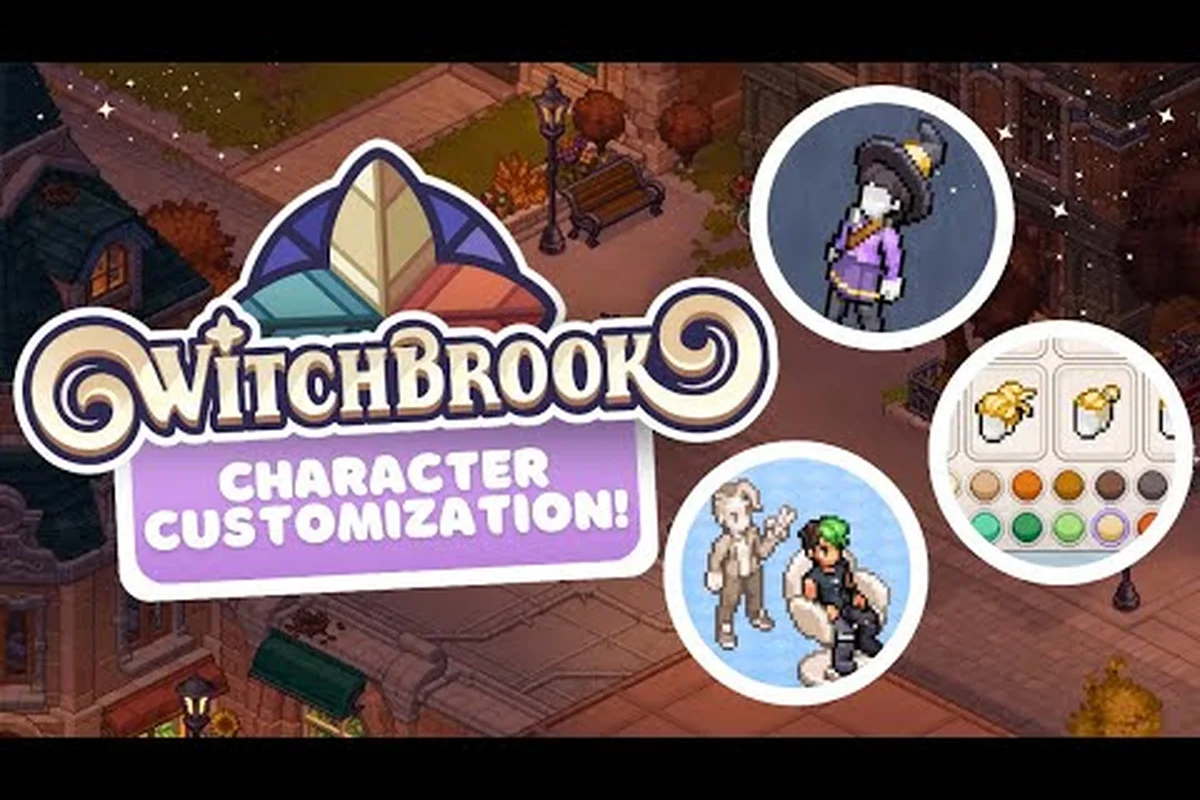
Witchbrook Character Customization: Hairstyles and Fashion
Explore Witchbrook character customization with every confirmed hairstyle, outfit option, and fashion unlock to make your new witch truly your own.
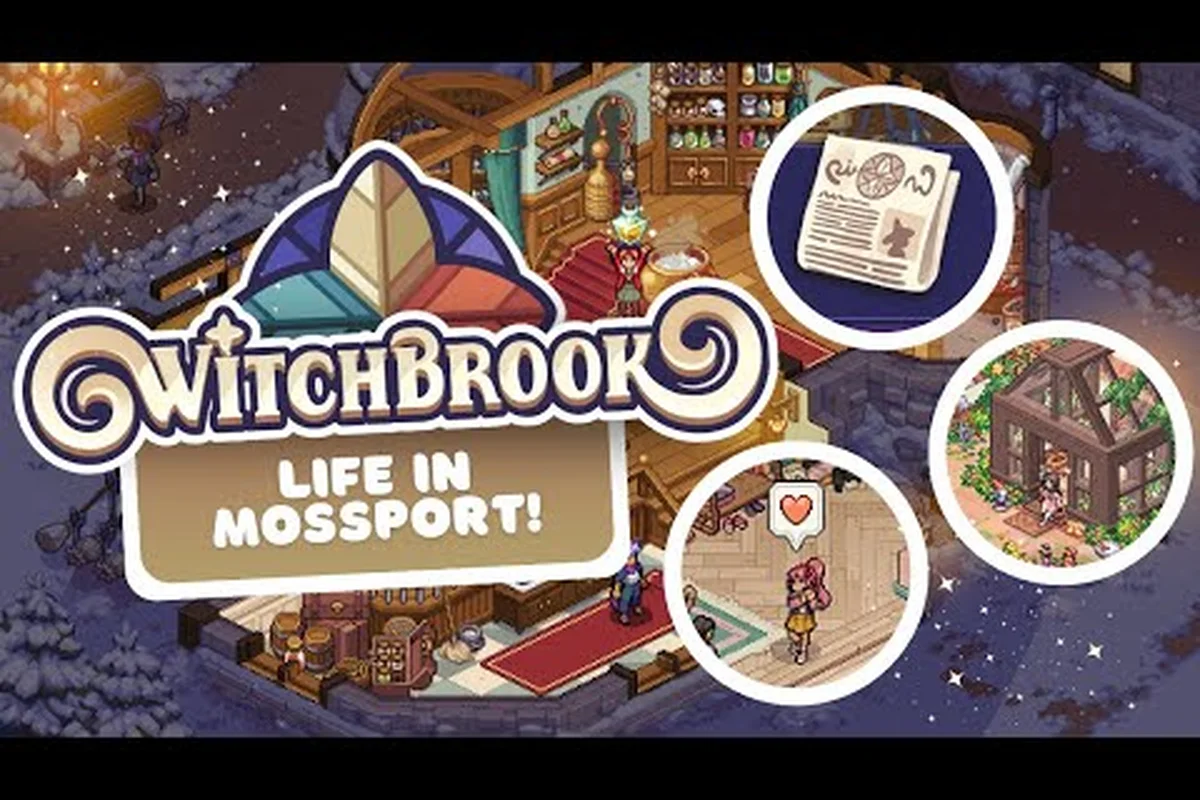
Witchbrook Clothing Brands: Every Label and Gothic Line
Explore every Witchbrook clothing brand, from Labyrinthe to gothic labels, and learn how the Clothes Mapping System lets RGB recolours reshape every fabric and mask.
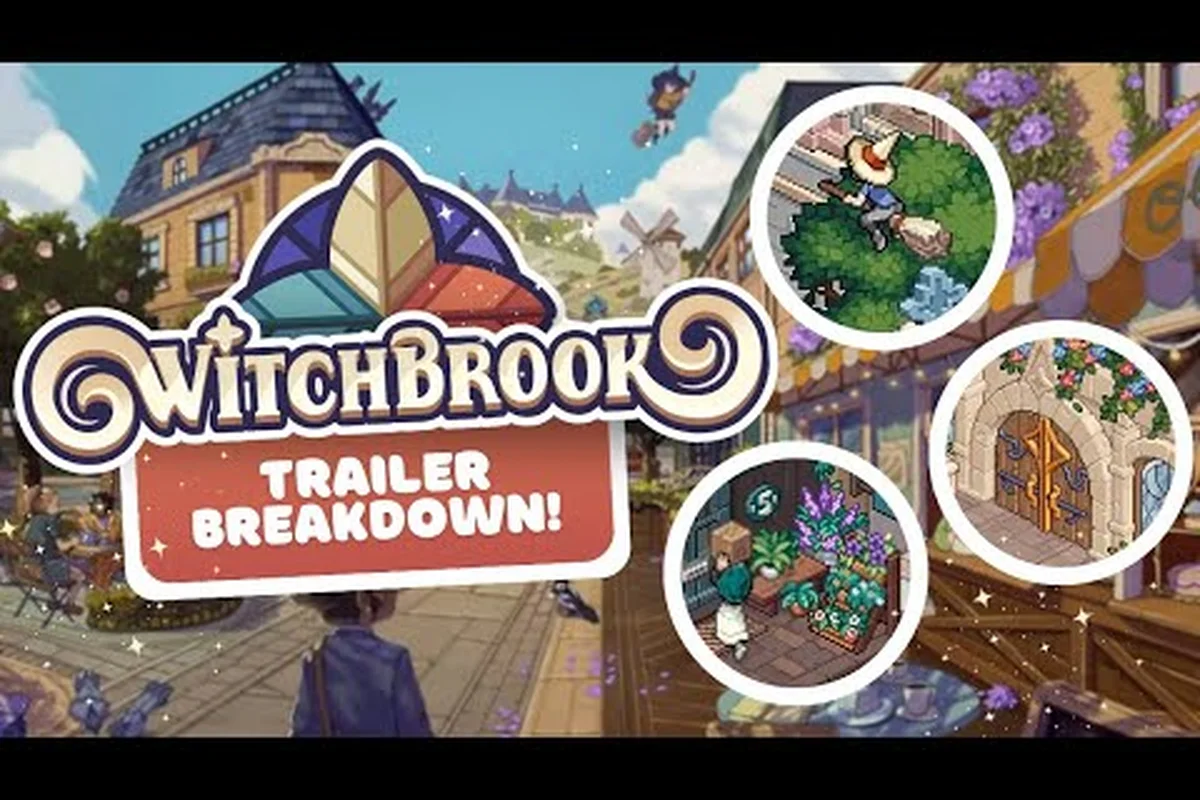
Witchbrook Camera Guide: Screenshot Tips and Palette Tricks
Frame the perfect Witchbrook shot with this camera guide — learn screenshot tips, palette customization, and how to catch your customized witch in the best light.
All Articles
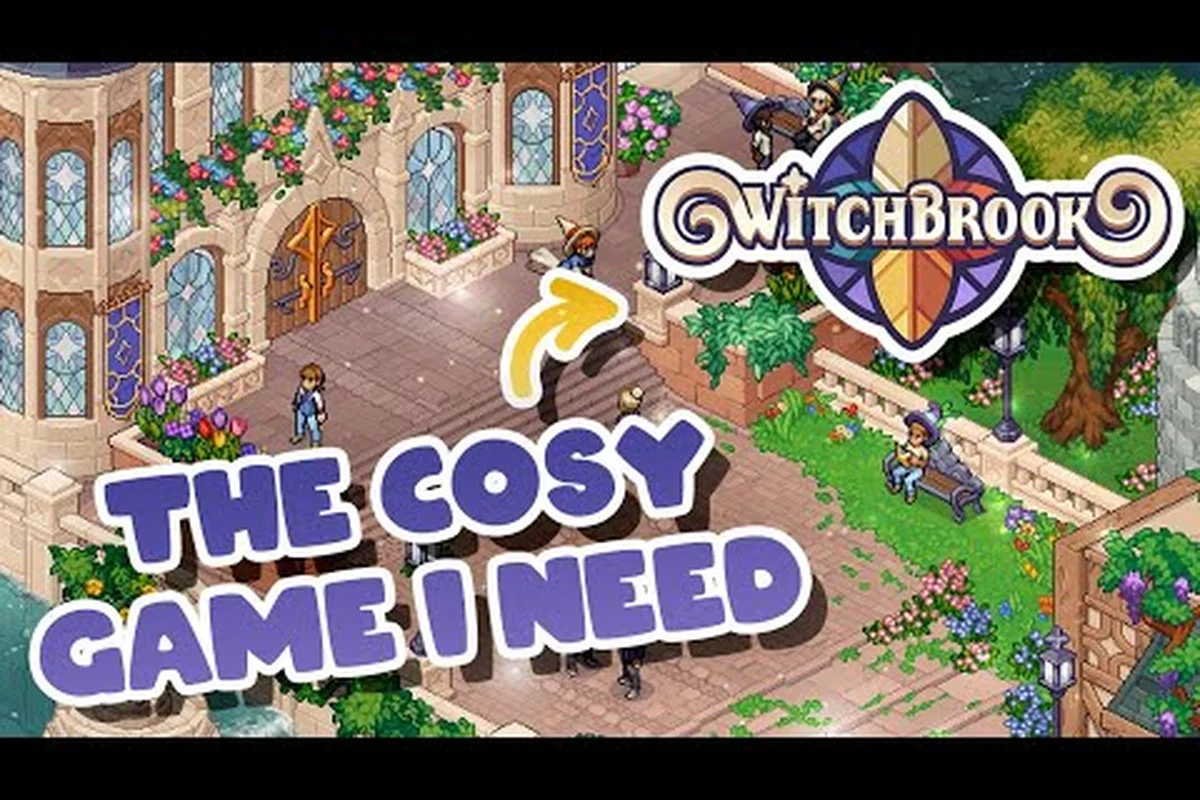
Witchbrook How to Change Appearance: Hats, Hair, and Shoes
Master Witchbrook how to change appearance with hairstyle picks, hat and shoe swaps, plus accessories that let you refresh your witch's look from head to toe.
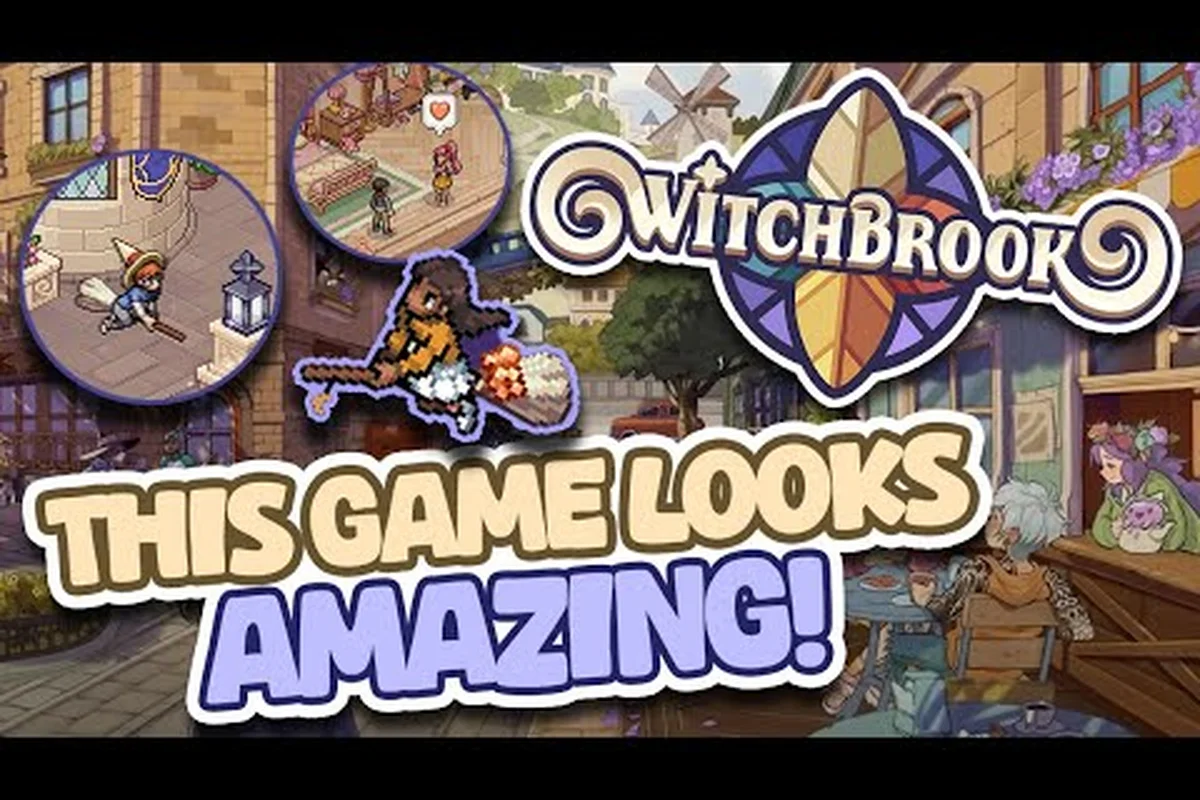
Witchbrook Outfit Ideas: Seasonal Looks and Shop Finds
Find Witchbrook outfit ideas for every season, from winter layers to summer breeze looks, plus photo mode camera tips to capture your best fashion moments.
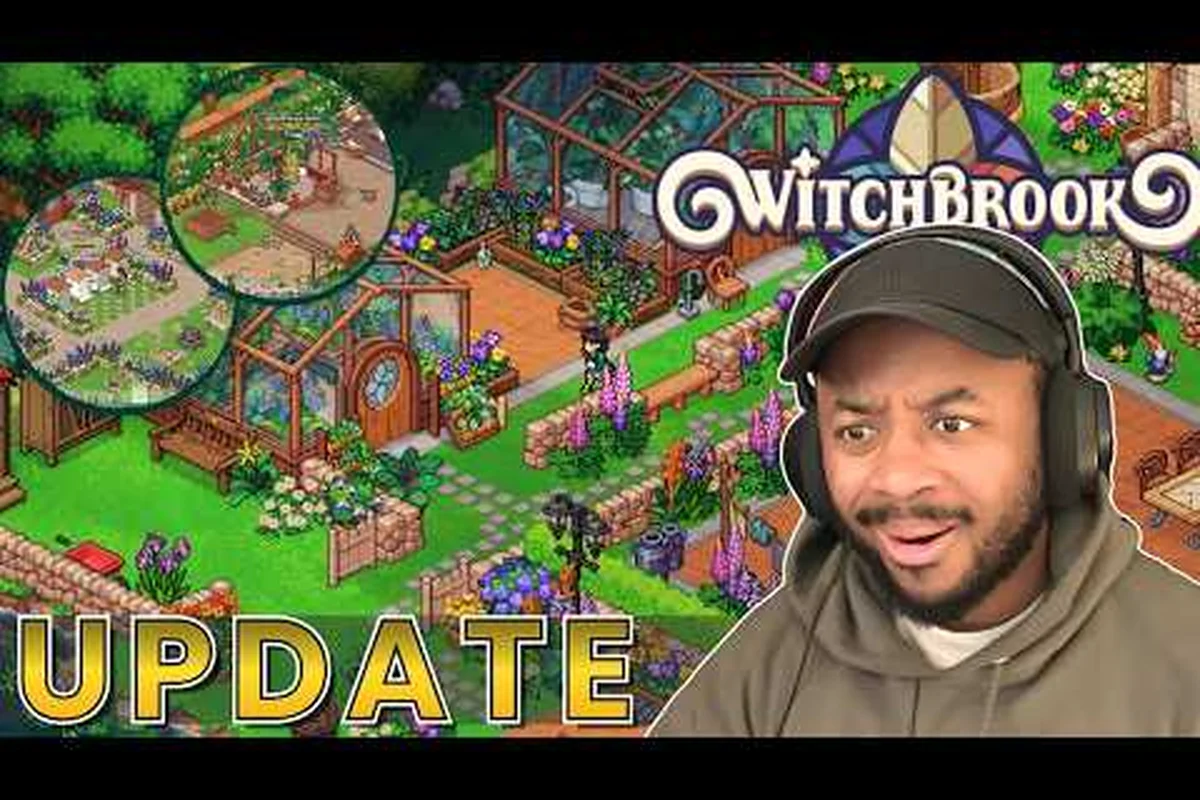
Witchbrook Clothing Slots: Every Dress-Up Layer Explained
Map every Witchbrook clothing slot with this dress-up guide, from base layers to accessories, and unlock the full clothing catalog to build your signature look.
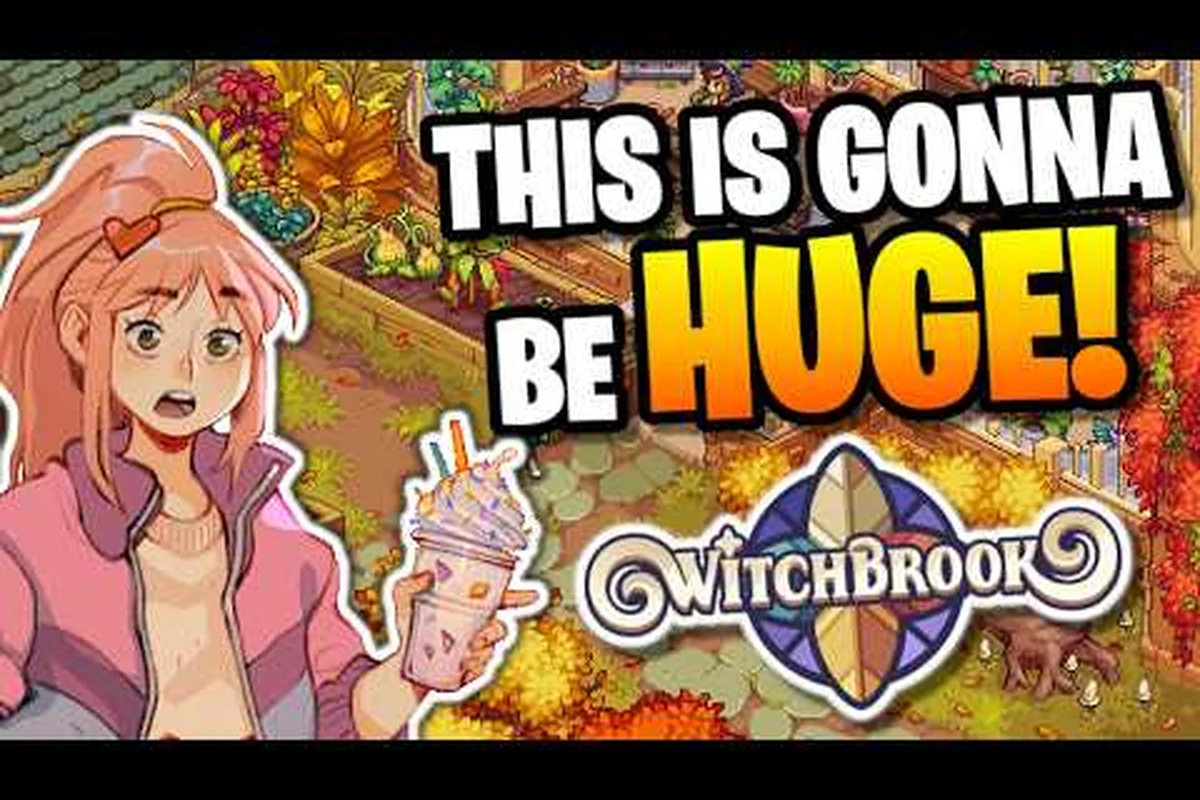
Witchbrook Fashion Unlocks: Wardrobe, Accessories, and Outfits
Track every Witchbrook fashion unlock across your wardrobe, accessories, and outfits to express your signature Mossport style.